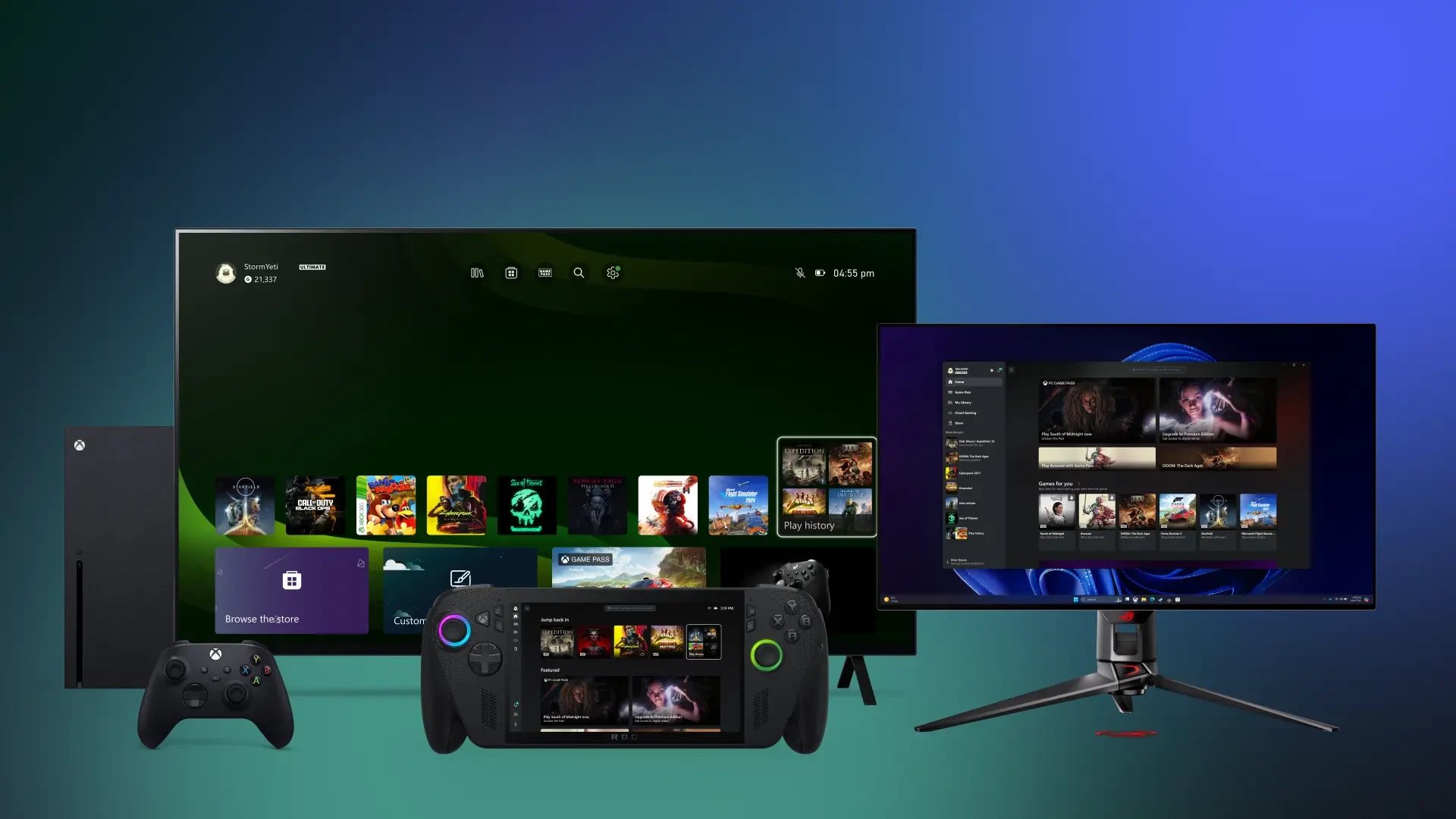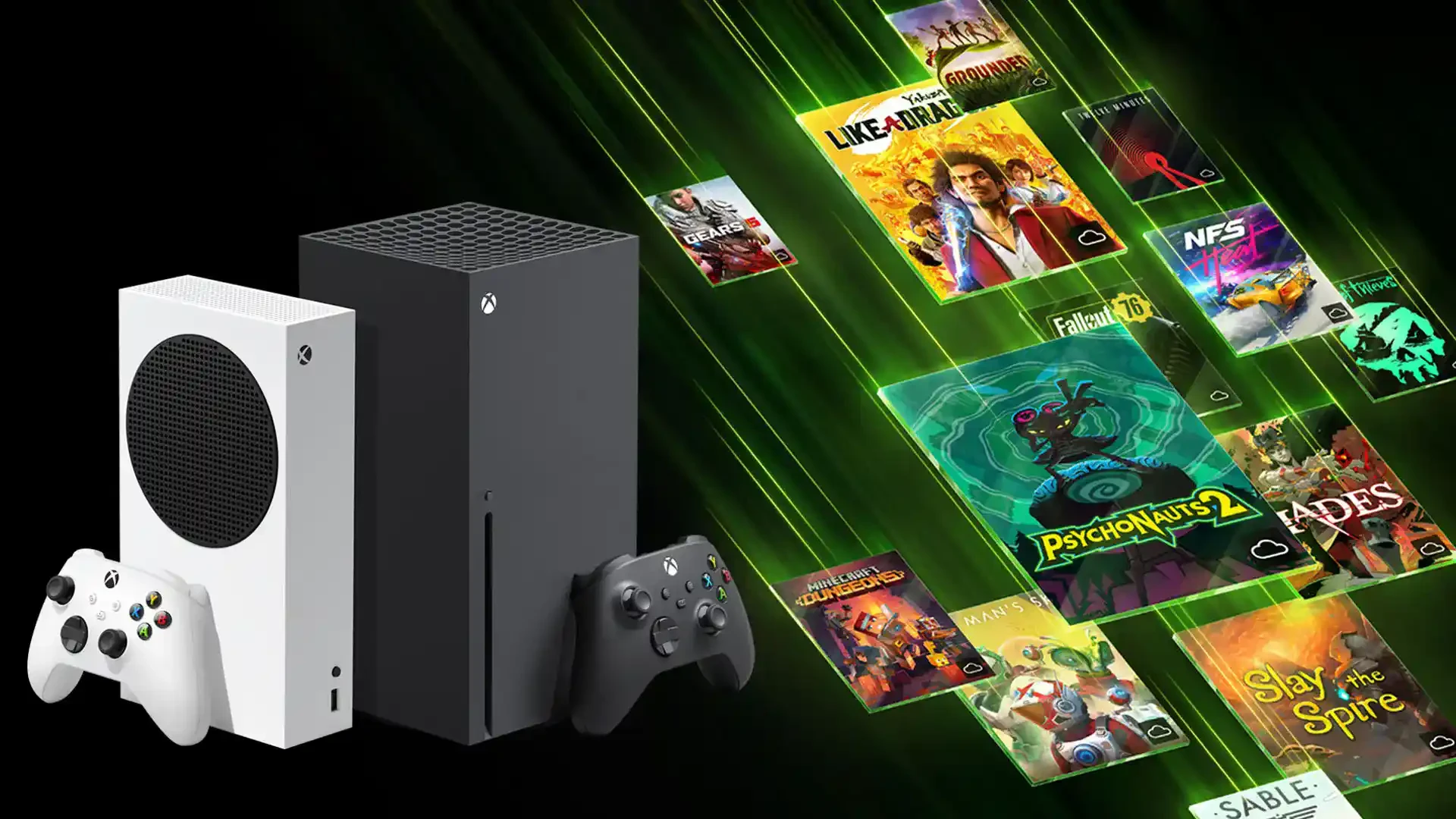

Imagine launching the latest blockbusters like Forza Horizon or Halo on an old laptop, in a web browser, or even on your phone while riding the bus. This isn’t a futuristic dream—it’s the reality of Xbox Cloud Gaming (formerly Project xCloud). With this move, Microsoft has essentially eliminated the need to own an expensive console under your TV. All the processing power is handled by Microsoft Azure servers equipped with Xbox Series X hardware, while only the video stream is sent to you. It’s essentially “Netflix for games,” where you control the action in real-time.
How It Works Under the Hood
The technical magic lies in the fact that your device (mobile, PC, TV) serves only as a terminal. You press a button, that signal flies to a server, gets processed there, and a rendered frame is instantly sent back to your screen.
- Server Power: Games run on custom Xbox Series X hardware in data centers around the globe.
- Latency (Response Time): Typically ranges between 50–150 ms. It’s great for casual play, but not yet a full replacement for professional e-sports.
- Connectivity: A stable internet connection is key. The service dynamically scales image quality to prevent stuttering if your Wi-Fi fluctuates.
What Devices Can You Play On?
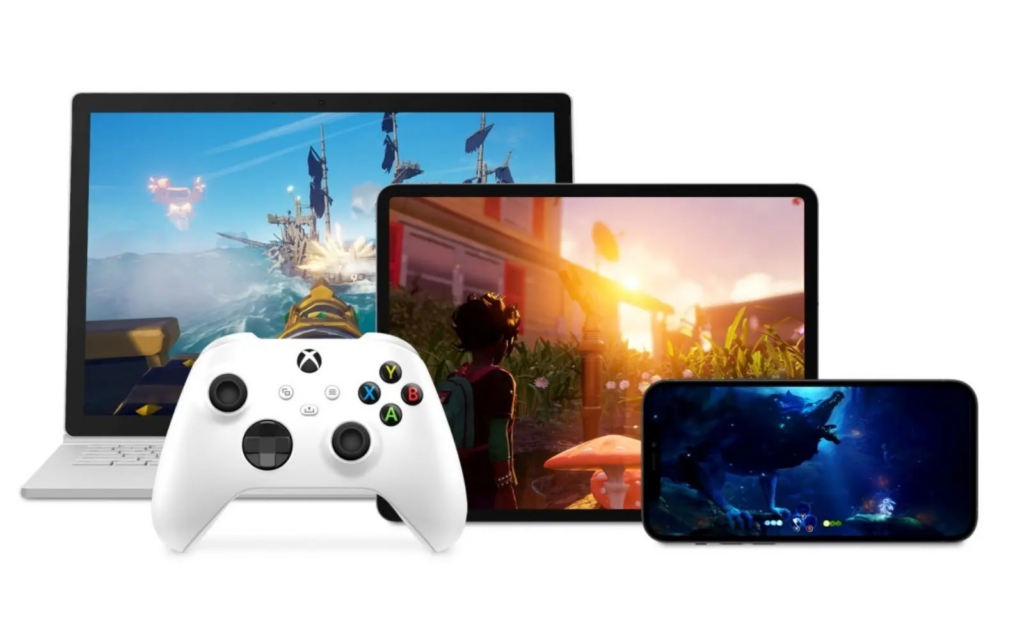
The list of supported devices is constantly growing, as Microsoft aims to be on every screen with an internet connection.
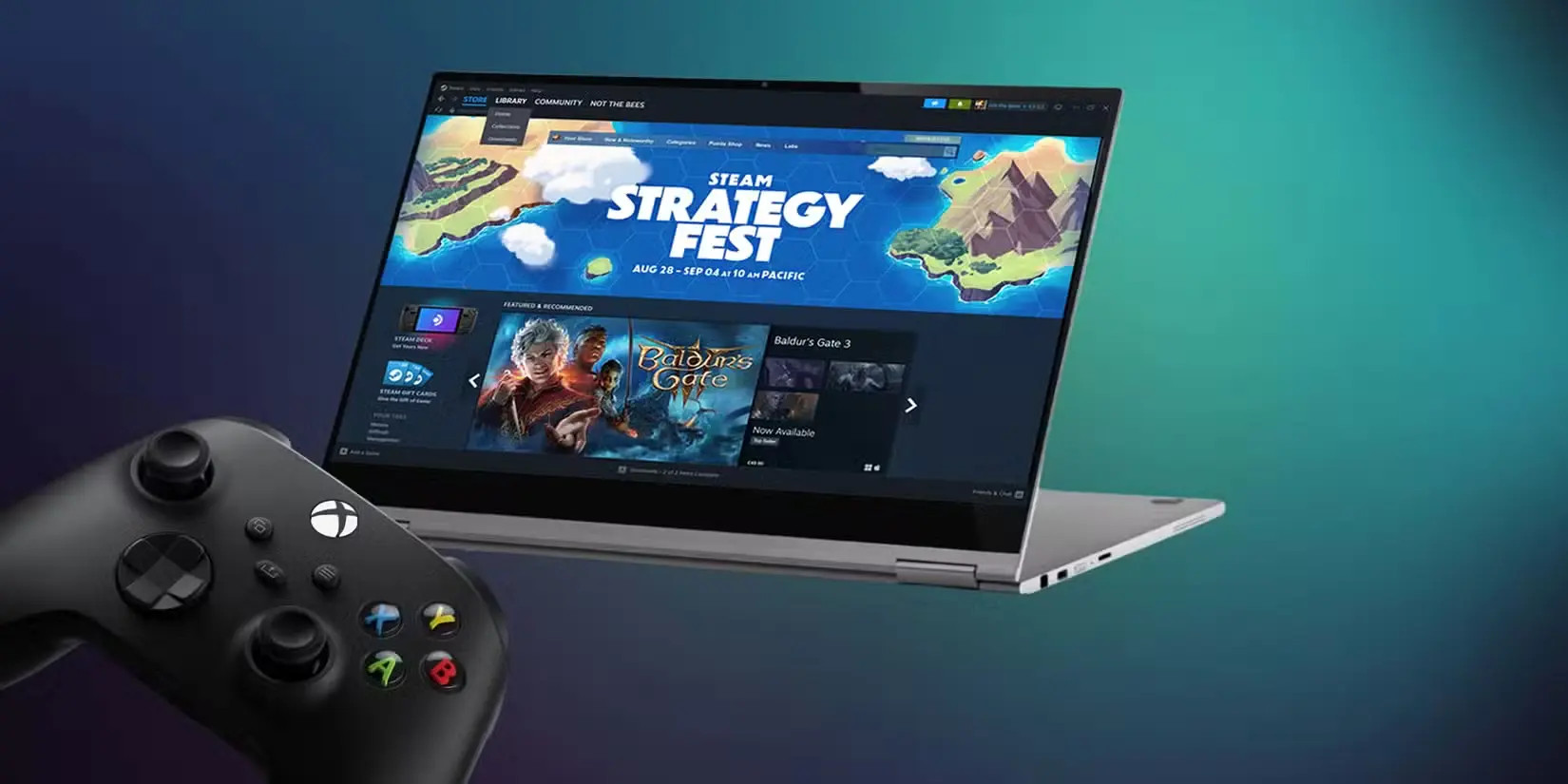
- PCs and Laptops: Via the Xbox app or directly in browsers (Edge, Chrome, Safari).
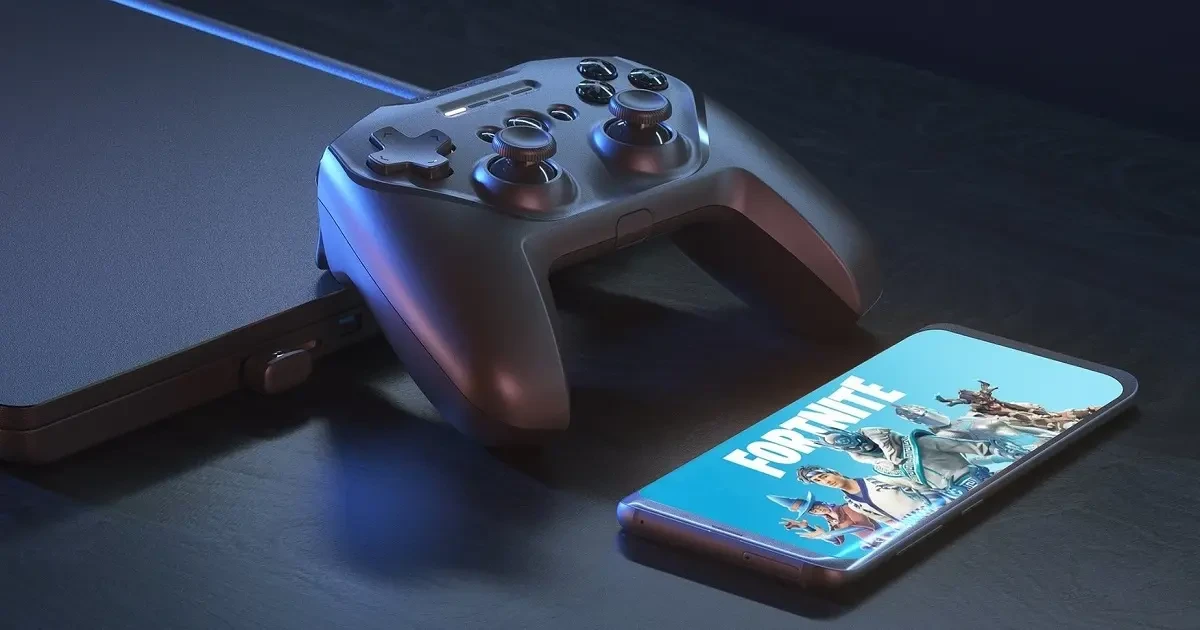
- Mobile and Tablets: Native app for Android; played via a web interface on iOS (iPhone/iPad) due to App Store rules.
- Smart TVs: Owners of newer Samsung and LG TVs will find the Xbox app built right into the system. Just connect a Bluetooth controller.
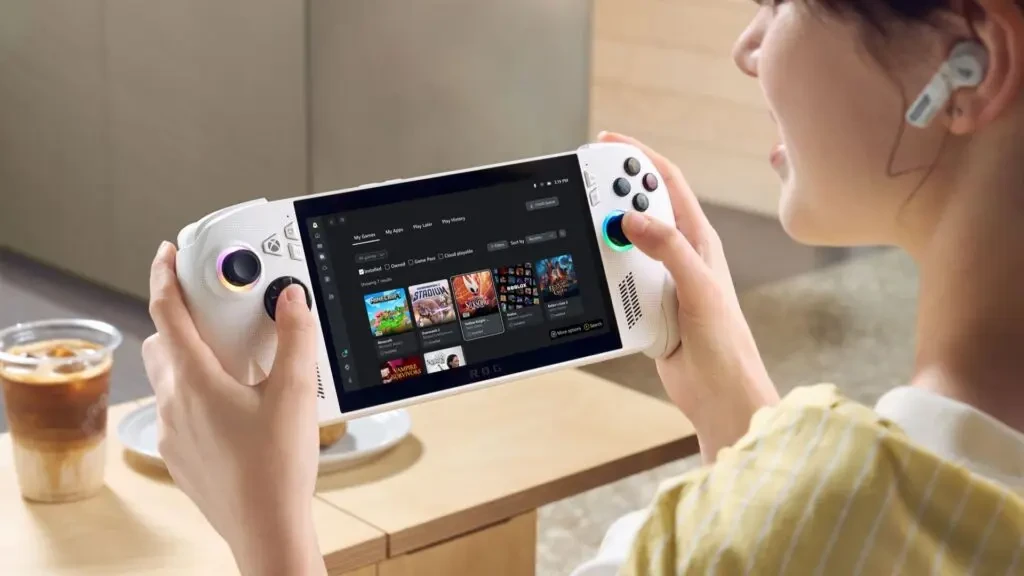
- Handhelds and VR: The service runs beautifully on the Steam Deck, Amazon Fire TV, and Meta Quest 2/3 headsets.
Internet Requirements: How Many “Megabits” Do You Need?
For a frustration-free gaming experience, Microsoft recommends the following:
- 720p @ 30fps: At least 10 Mbps (ideal for small mobile screens).
- 1080p @ 60fps: At least 20 Mbps (standard for monitors and TVs).
- Editor’s Tip: Always prioritize 5 GHz Wi-Fi or a wired connection (Ethernet). Older 2.4 GHz networks often cause unpleasant lag.
Game Library and Subscription Updates
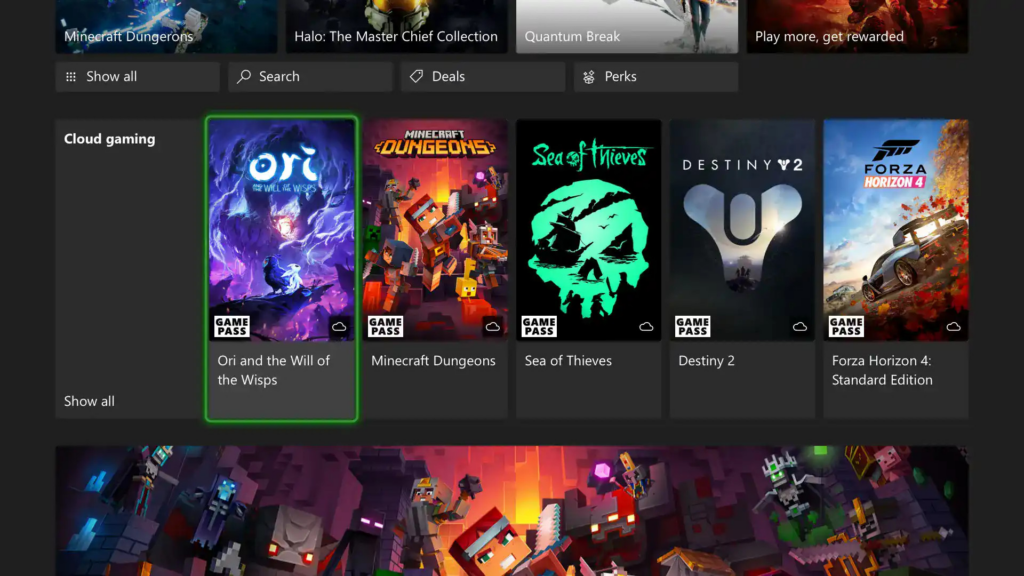
While cloud access was previously exclusive to the most expensive Ultimate tier, Microsoft expanded access in August 2025. Xbox Cloud Gaming is now available (currently in beta) for Game Pass Core and Standard subscribers as well. The library features over 400 titles, including EA Play games and major “Day One” releases that hit the cloud the same day they launch on consoles.
Editor’s Take
Xbox Cloud Gaming is currently the most accessible gateway to the world of big-budget gaming. For the price of a monthly subscription, you get hundreds of games that you don’t need to download or install—just click and play. The biggest weaknesses remain visual compression in dark scenes and occasional server queues during peak evening hours. However, if you aren’t an ultra-demanding player requiring native 4K, this is a revolution you should definitely try.
FAQ
Q: Can I play Xbox Cloud Gaming without Game Pass Ultimate?
A: Yes. As of August 2025, cloud gaming is also available for Game Pass Core and Standard subscribers through the Xbox Insider beta program.
Q: Do I need a special controller to play on mobile?
A: Not necessarily. Many games support on-screen touch controls. However, for the best experience, we recommend connecting any Bluetooth controller (Xbox, PlayStation, or others).
Q: Do my saved games (saves) sync between console and cloud?
A: Yes, everything synchronizes via Xbox Live. You can start a game on your console and seamlessly pick up on your phone exactly where you left off.
Q: How much data does an hour of gaming consume?
A: Expect to use approximately 3 to 12 GB per hour depending on stream quality (720p vs 1080p). Be cautious if you have a limited mobile data plan.
Q: Can I stream games that I own but are not in the Game Pass library?
A: Yes, Microsoft has expanded the service to allow streaming of select titles from your personal digital library, even if they aren’t currently part of the Game Pass catalog.