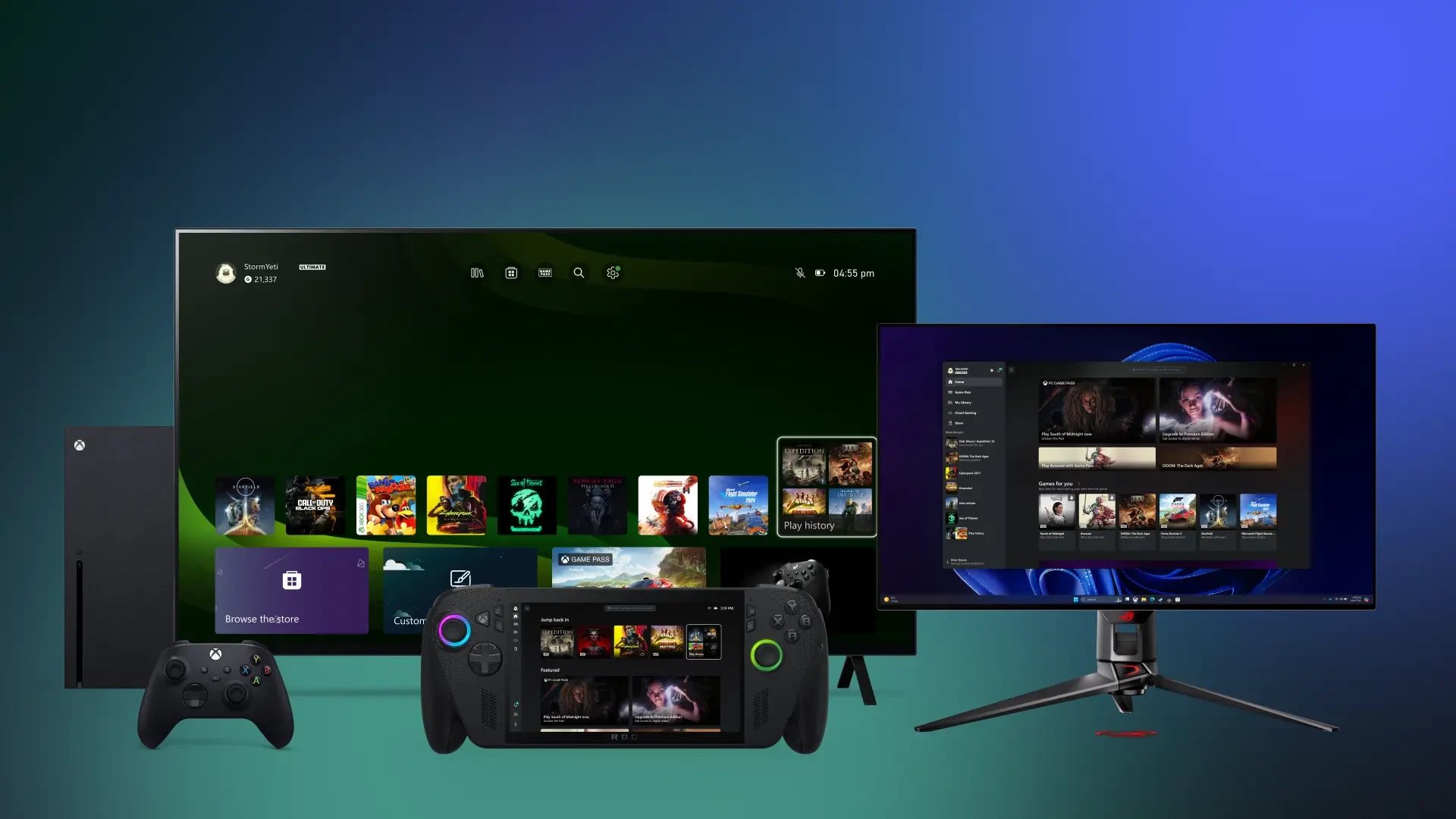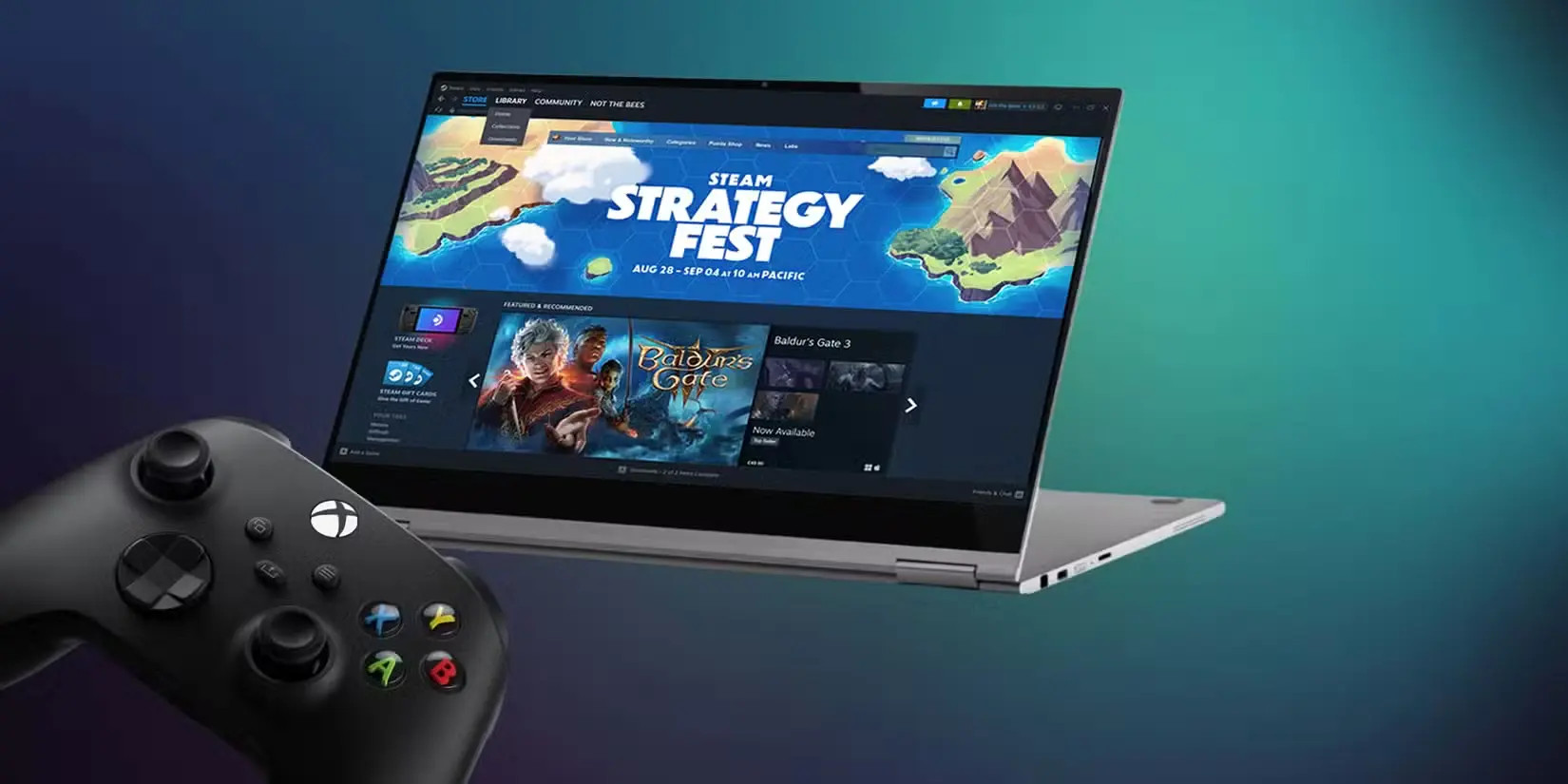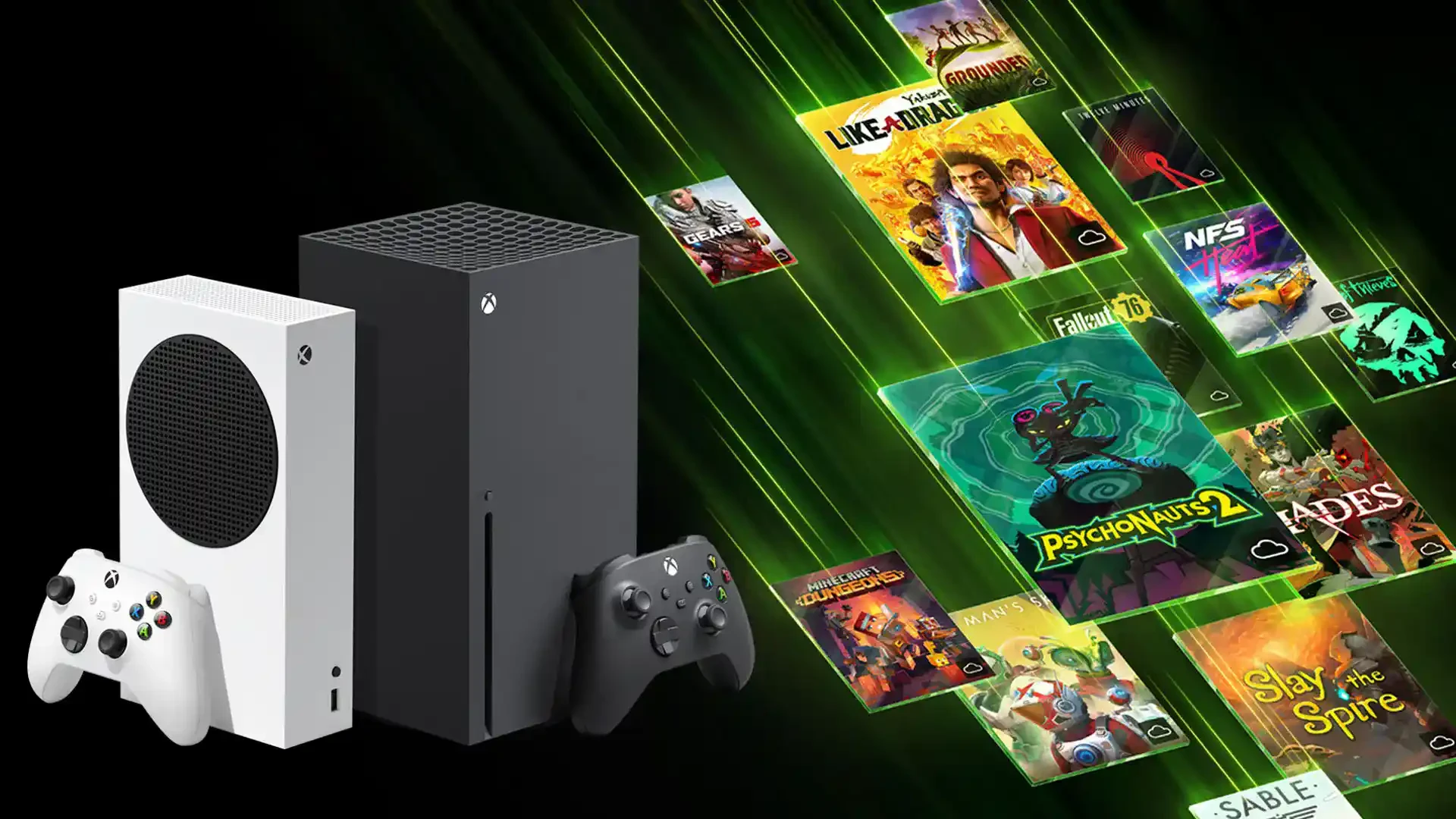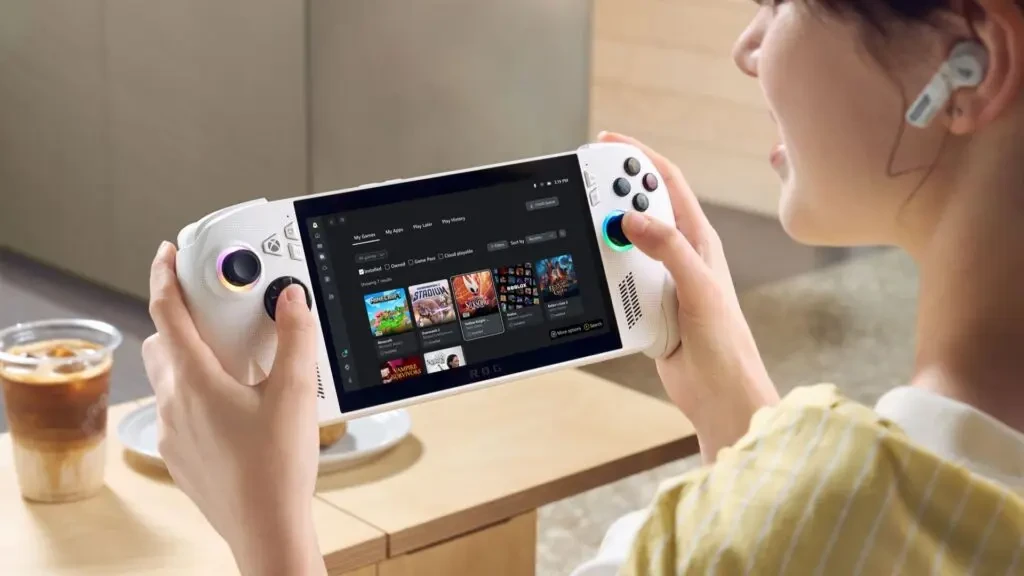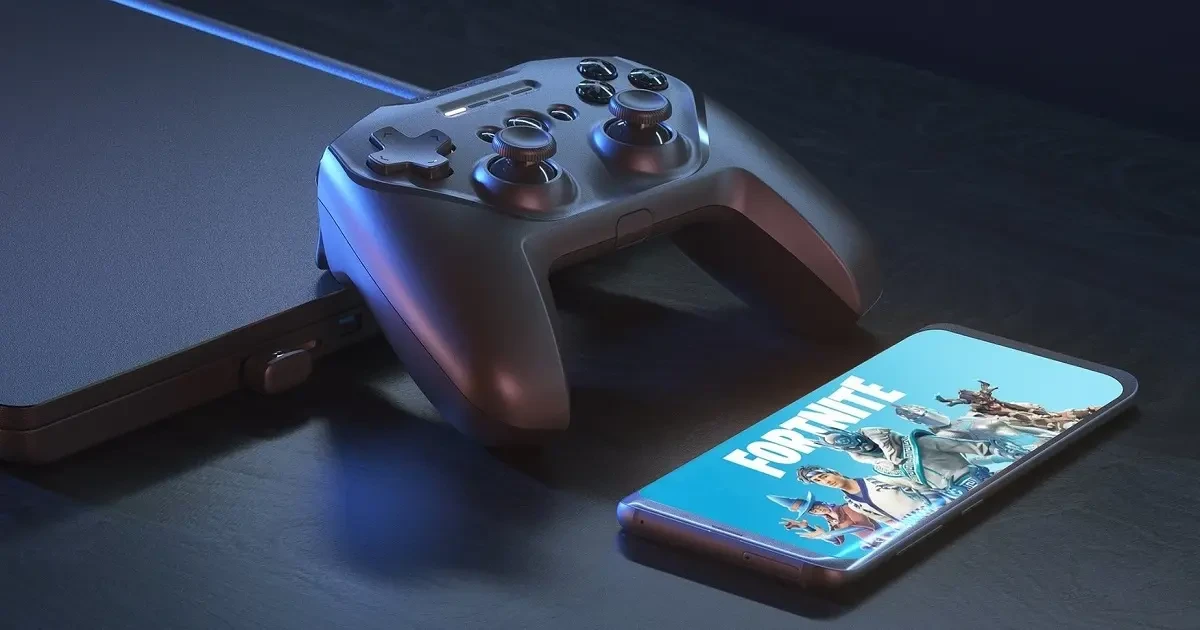

Xbox Cloud Gaming is revolutionizing the way we play. Instead of downloading hundreds of gigabytes, you can jump into the latest hits directly from the cloud. But let’s be honest—playing Forza Horizon 5 or Call of Duty: Warzone via a touchscreen is like trying to win an F1 race with a tractor steering wheel. For a full-fledged experience that rivals console gaming, a physical controller is an absolute necessity. Much like professional setups in League of Legends or Counter-Strike, low latency and precision are king here, and that’s exactly what an original Xbox controller provides.
Connecting to Mobile (Android and iOS)
Connecting a controller to your phone takes only a few seconds and transforms your smartphone into a portable console similar to a Nintendo Switch or Steam Deck.
Steps for Android and iOS (iPhone/iPad):
- Preparation: Turn on Bluetooth in your phone’s settings.
- Pairing Mode: Press and hold the small “pair” button on the controller (near the charging port) until the Xbox logo starts flashing rapidly.
- Pairing: Select “Xbox Wireless Controller” from the list of available devices on your phone and confirm.
- Done: Once the logo stops flashing and stays lit, you can immediately start playing in the Xbox Game Pass app.
| Platform | Minimum Version | Feature Support | Latency |
| Android | 6.0+ | Full | 15–30 ms |
| iOS | 14.5+ | Full | 10–25 ms |
| Older iOS | 13.0–14.4 | Limited (No vibration) | 20–40 ms |
Connecting to PC: Wired vs. Wireless
On a PC, you have multiple options to achieve the best performance.
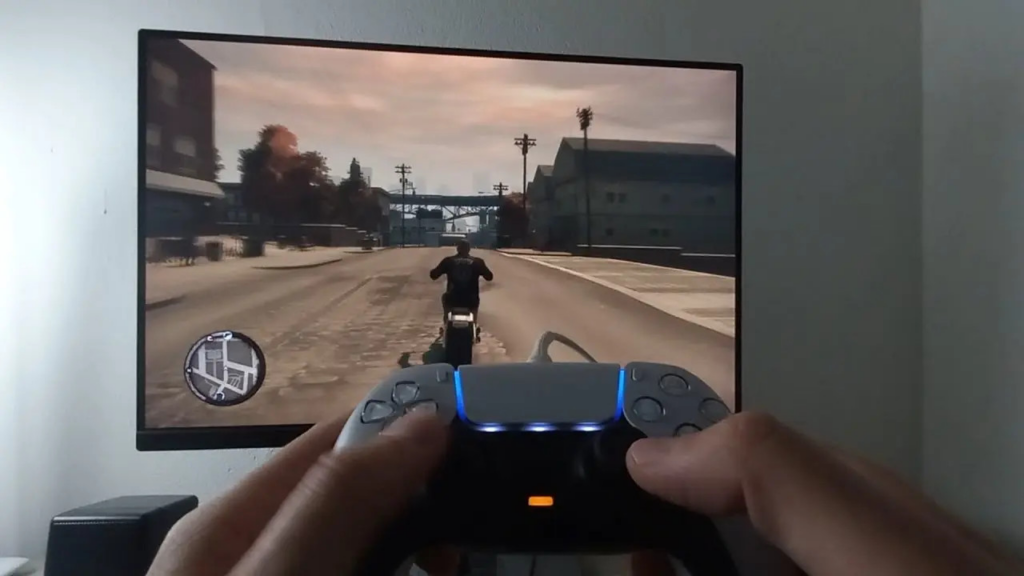
- USB-C Cable (Most Reliable): Simply plug and play. It offers zero latency, a stable connection for competitive gaming, and charges your controller simultaneously.
- Bluetooth (Wireless Convenience): In Windows 10/11, go to Settings -> Devices -> Add Bluetooth. Activate pairing mode on the controller and confirm the connection.
- Xbox Wireless Adapter: If you’re serious about gaming, we recommend the official adapter (approx. $25). It has a range of up to 9 meters, lower latency than Bluetooth (2–5 ms), and can support up to 8 controllers at once.
Alternatives: If You Don’t Have an Xbox Controller
While the Xbox controller is ideal for the cloud, you aren’t limited to it. You can also use:
- PlayStation DualSense: Works great, although button mapping in the app can sometimes be confusing.
- 8BitDo Pro 2: A top-tier retro alternative with modern features.
- Mobile Gamepads: If you play a lot on the go, consider the Razer Kishi V2 or Backbone One, which turn your phone into a true handheld.
Troubleshooting
- Controller Won’t Pair: Try a reset (hold Xbox button + pair for 6 seconds) or update the controller’s firmware via the Xbox Accessories app on PC.
- High Input Lag: Switch your Wi-Fi to the 5GHz band. Standard 2.4GHz networks often interfere with the controller’s Bluetooth signal, causing delays.
- Disconnecting: Turn off battery saver mode on your mobile, as it can aggressively kill background Bluetooth processes.
Editor’s Take
Investing in a quality controller is the absolute foundation for Xbox Cloud Gaming. While Microsoft is constantly improving touch controls (they are quite usable for games like Baldur’s Gate 3 or Civilization VI), it remains a fallback solution for any action game. If you want a smooth experience, we recommend getting a simple mobile phone clip for your controller—it’s inexpensive and makes gaming on a bus or train much more comfortable.
FAQ
Q: Does the Xbox controller work with all games in Cloud Gaming?
A: Yes, the entire Xbox Game Pass Ultimate catalog is designed for Xbox gamepad controls.
Q: Can I connect two controllers to a mobile for local multiplayer?
A: Technically yes, but it depends on the specific game. Titles like It Takes Two or Overcooked support local co-op in the cloud.
Q: Do I need special software to connect to a PC?
A: Not on Windows 10/11; the system has built-in drivers. For button remapping or firmware updates, we recommend the Xbox Accessories app.
Q: What is the battery life when playing via Bluetooth?
A: An original Xbox controller on two AA batteries lasts approximately 30–40 hours of continuous gameplay.